CAVE / 4K HDR AI TRACKING PTZ
PX200i
Bright, dark or fast. All true to life.
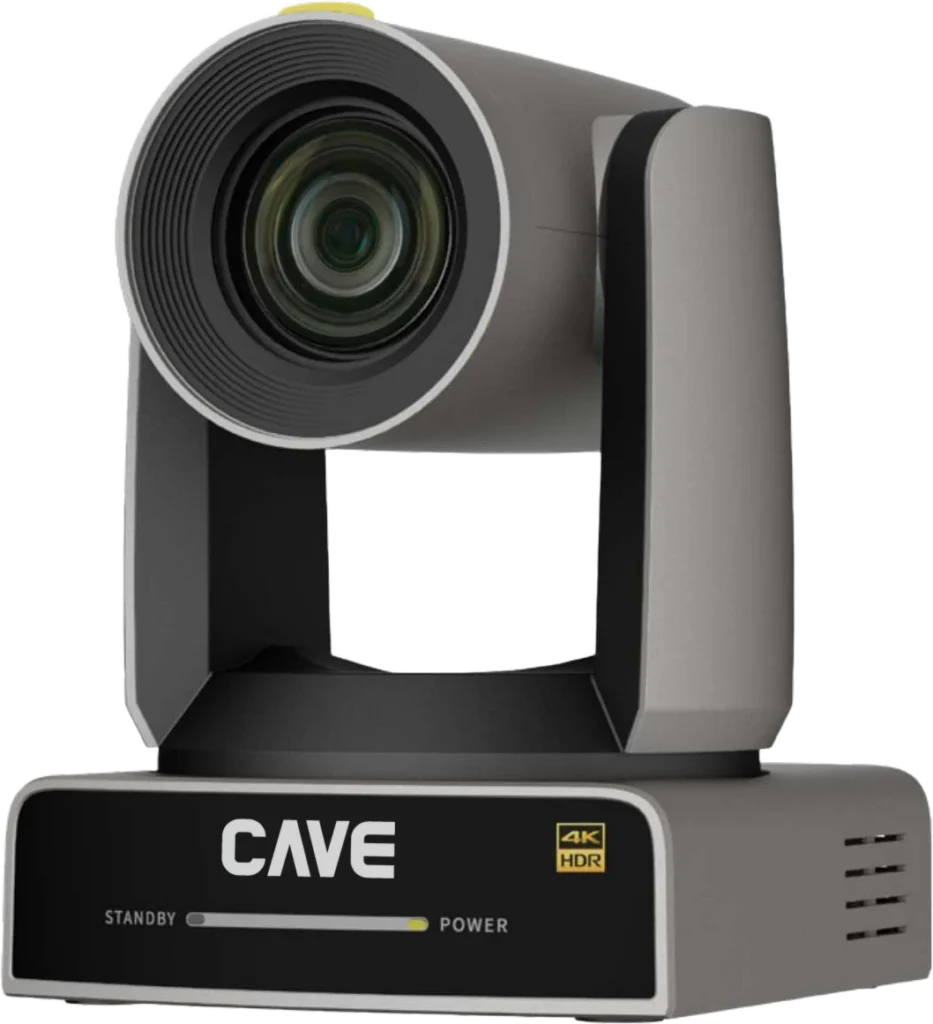
The lineup — From meeting rooms to auditoriums, from audio to live streaming.
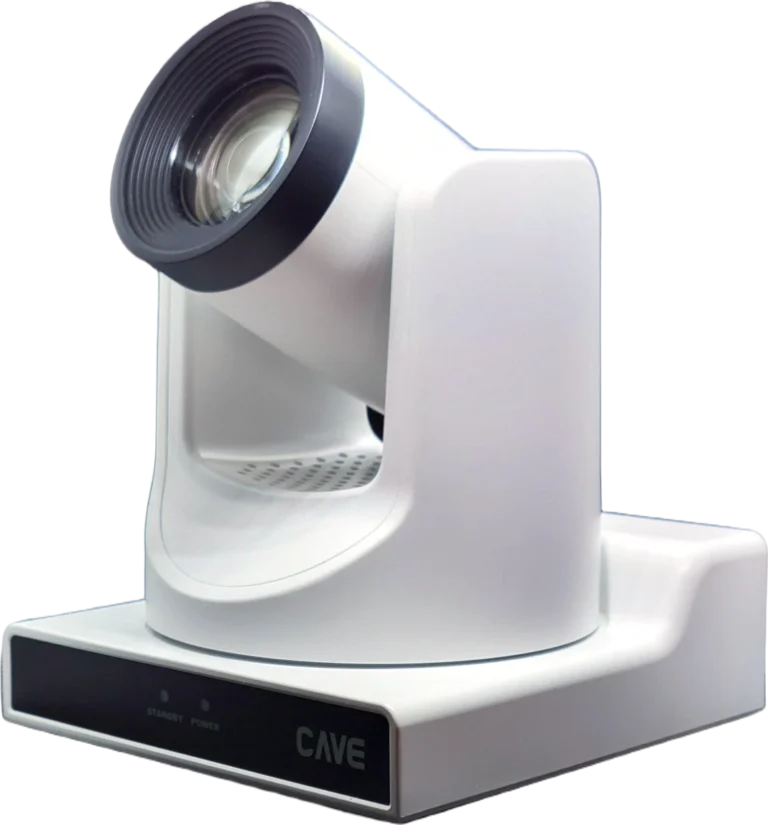
TX20i
See further. Follow smarter.
 →
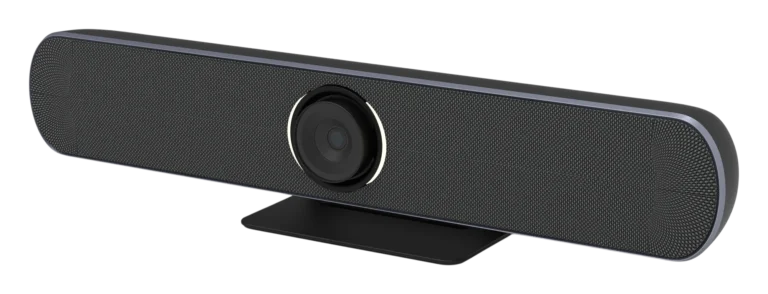
→SP-1100
Camera, mics and speaker. One bar.
 →
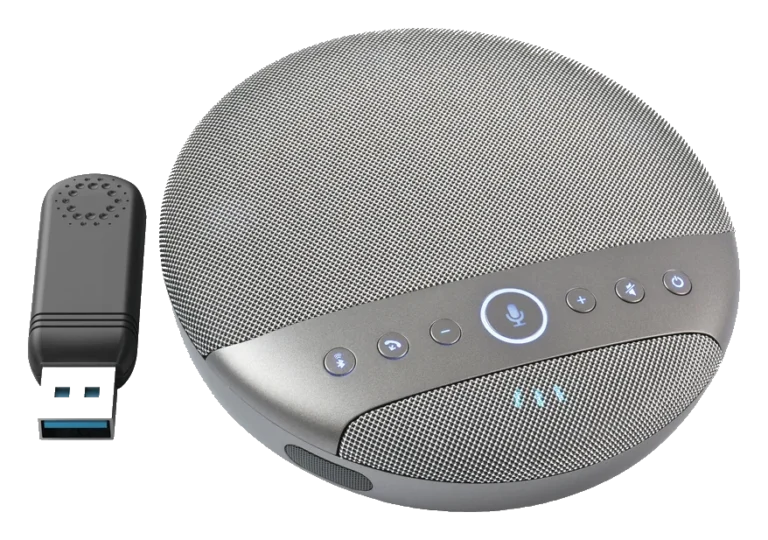
→SM-500
Wireless. Meet anywhere.
 →
→WP-50
Plug in. Meet.
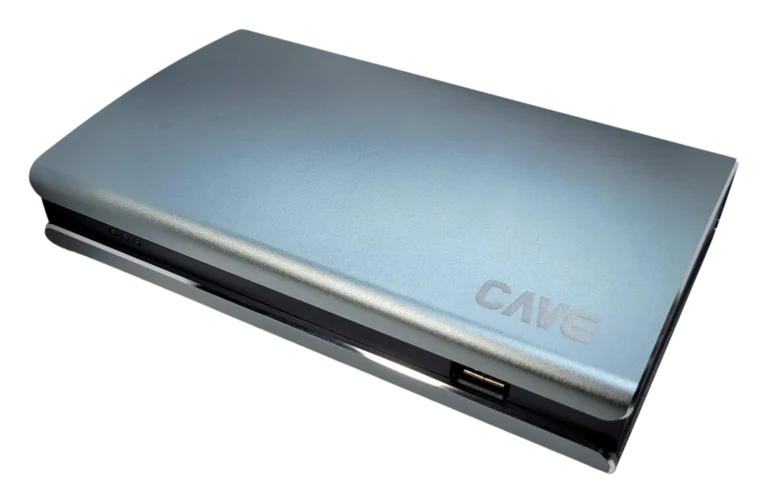 →
→K20
Pro control at your fingertips.
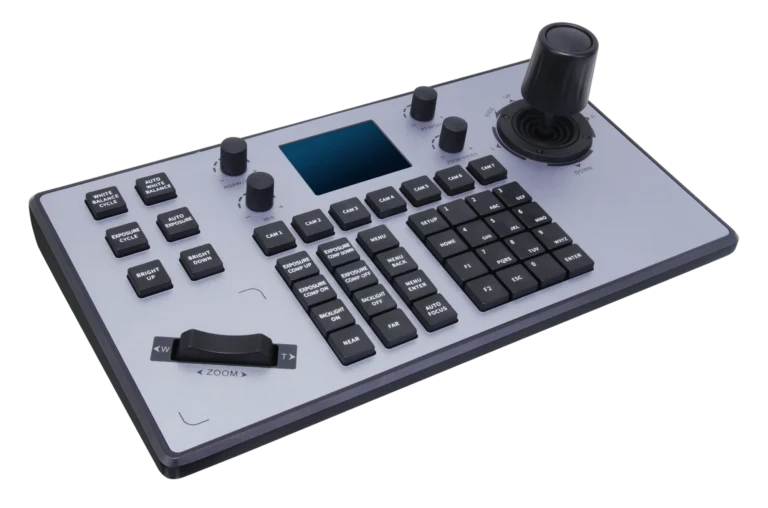 →
→NSR-400
Four cameras. One box.
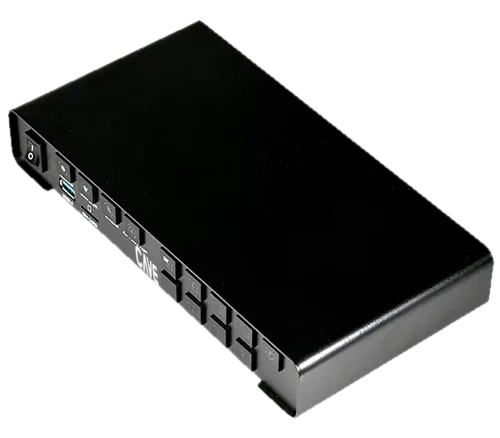 →
→DMA-702
Microphones, hidden in the ceiling.
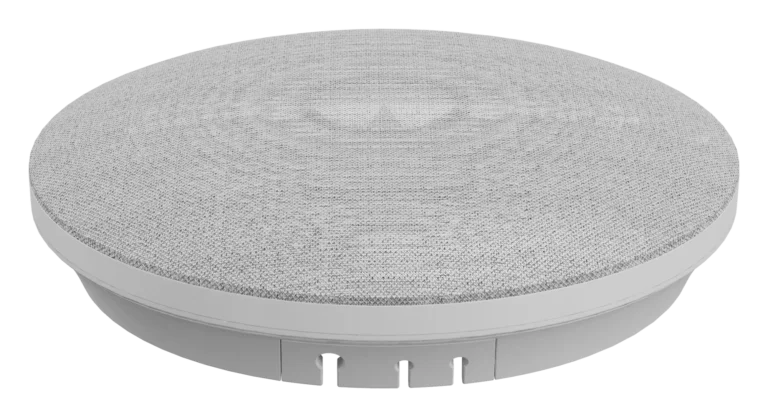 →
→Video conferencing bundles — A professional optical camera plus professional speakerphones. Pick a bundle by room size and start meeting out of the box.
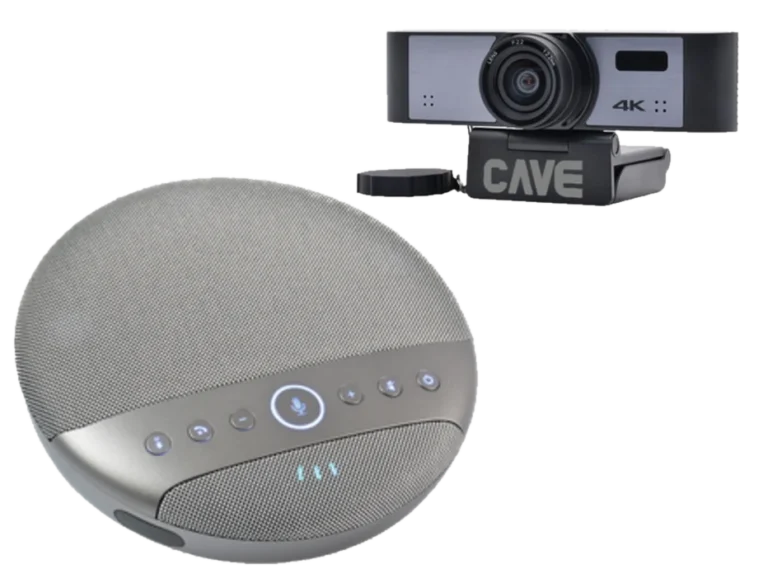 2–3 people
UCB-S
Huddle and small meeting rooms
View bundle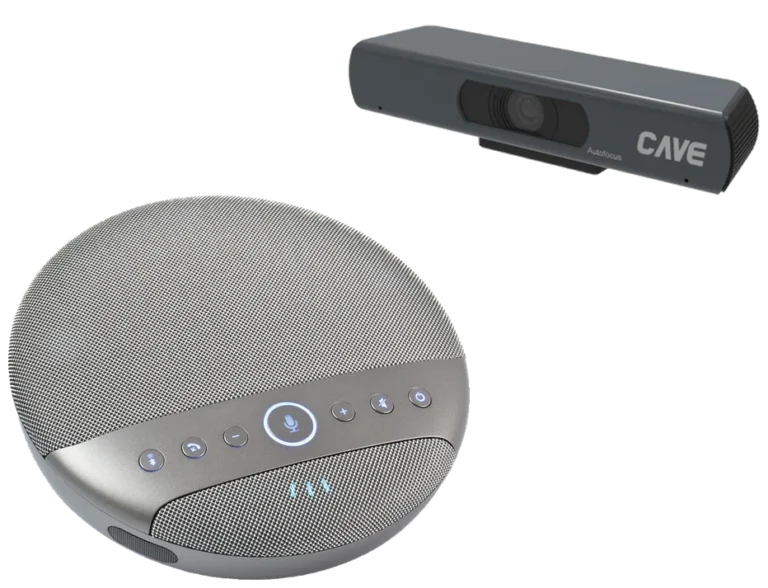 4–8 people
UCB-S2
Small to mid-size meeting rooms
View bundle2–8 peopleUCB-AIO
Small meeting rooms (within 4 m)
View bundle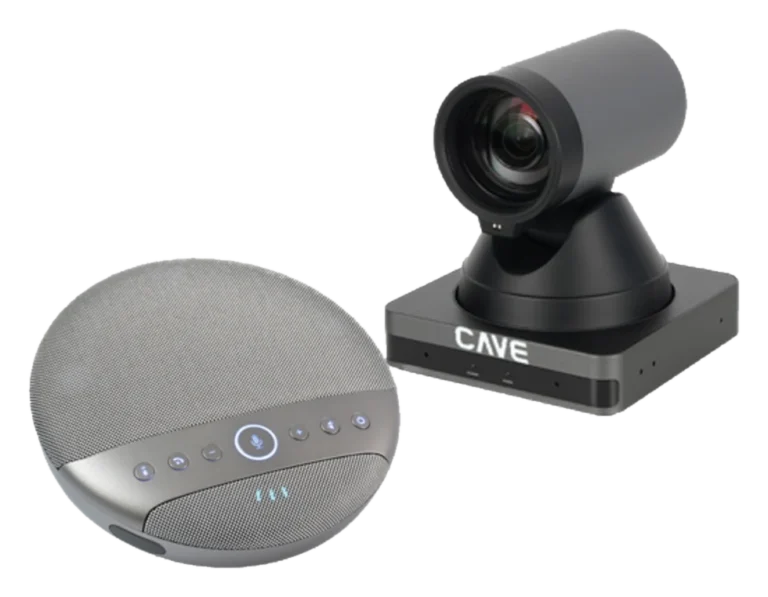 6–10 people
UCB-M
Standard meeting rooms
View bundle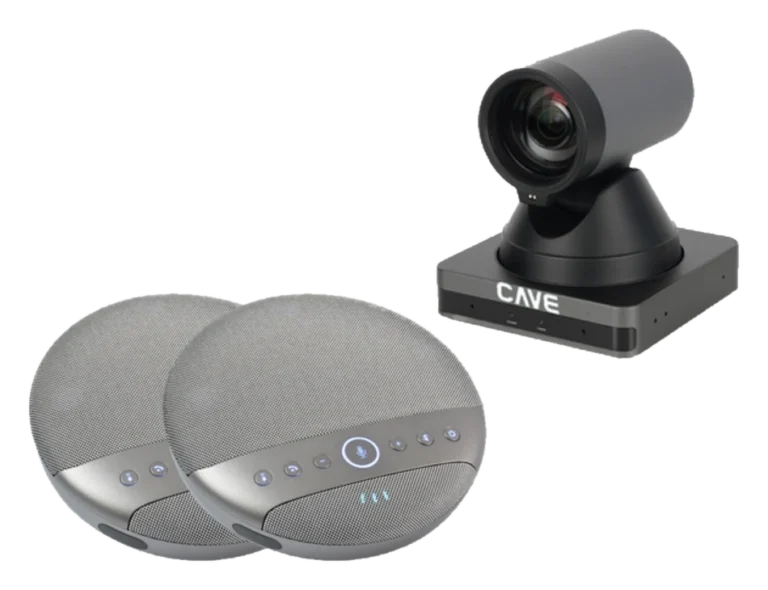 10–16 people
UCB-L
Long-table meeting rooms
View bundle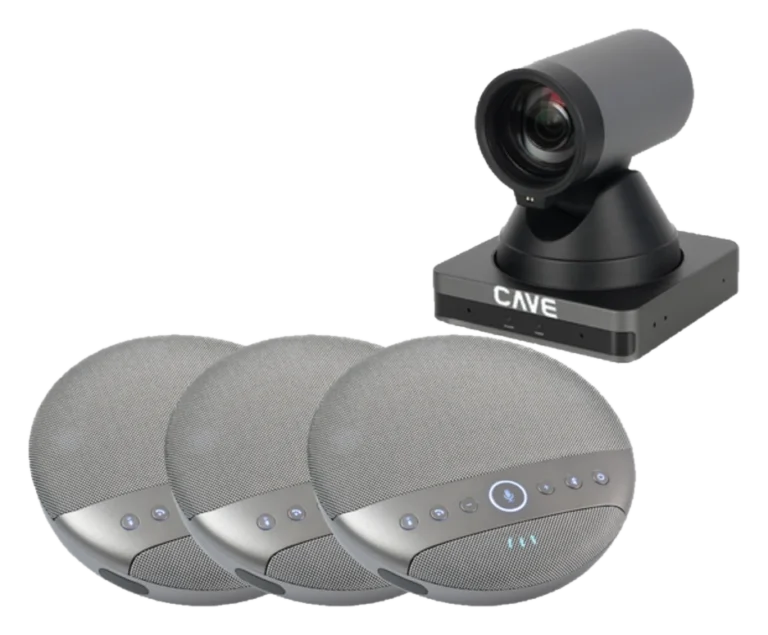 12–20 people
UCB-U3
U-shape meeting and training rooms
View bundle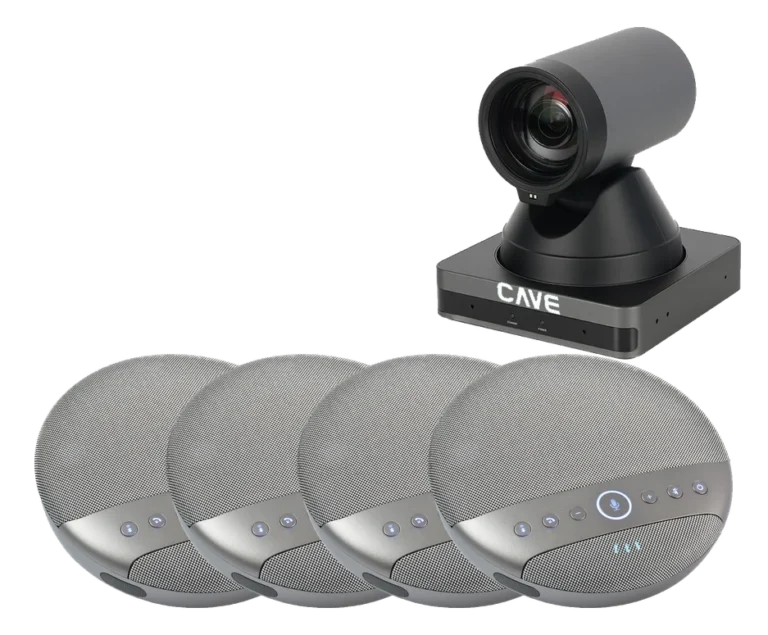 20–30 people
UCB-U4
Large U-shape meeting and training rooms
View bundle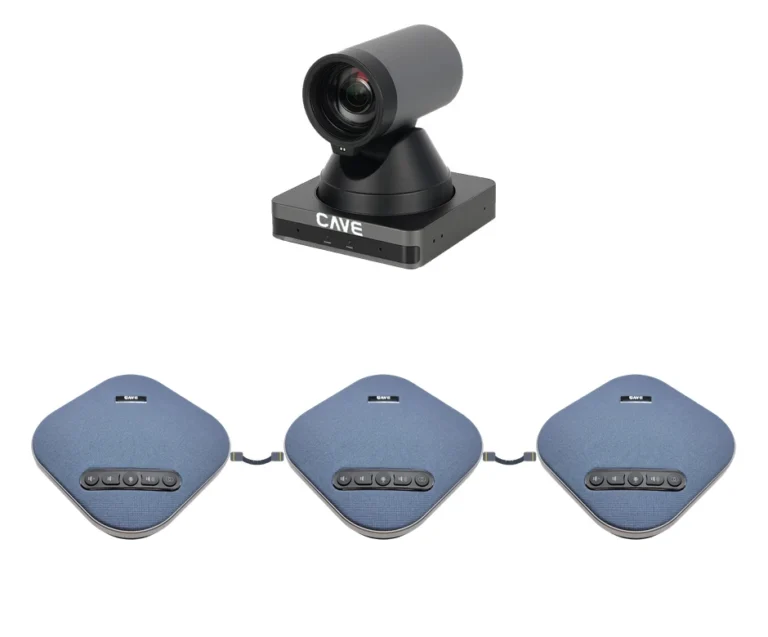 16–24 people
UCB-W3
Site-office rooms (U-shape or long table)
View bundle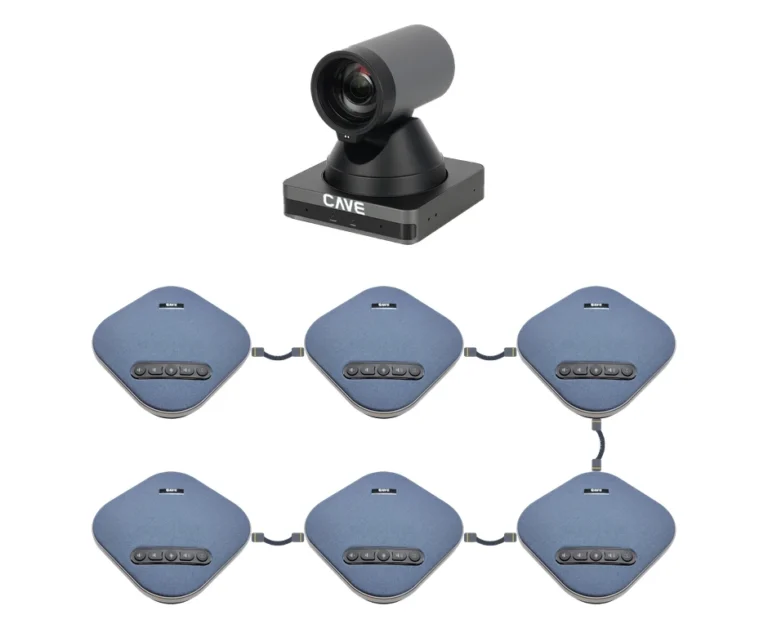 24–40 people
UCB-W6
Large U-shape site-office rooms
View bundleNot sure what you need?
Answer a few questions and take a plan with you, or just tell us about your space and we will plan it for free.
Professional camera planning wizard
For: Projects and large spaces: classrooms, halls, stages and sports venues, or when you need tracking, 4K, SDI or control-system integration.
It suggests professional PTZ cameras from distance, picture quality, tracking and video outputs, lists the other models that fit, and gives you a printable camera plan.
Quick video bundle wizard
For: The most common meeting rooms and site offices, when you want a ready-made, quick-install bundle.
Answer 5 questions: it works out the camera and microphone set from the room size and seating, and in minutes gives you a ready-made bundle with a printable plan.
Not sure which one? Projects, large spaces, or needs such as tracking, 4K, SDI or control integration: choose the left one. An ordinary meeting room you want installed quickly: choose the right one.
Choose by space — Start with the room, then pick the gear. Four of the most common setups.
Meeting room
10–30 people
A PTZ camera switches between speakers; chained mics cover both ends of the table.
Classroom & hall
30+ people
AI tracking follows the presenter; ceiling mics keep the stage clear.
Professional AV
Purpose-built for meetings, teaching and live production.
Up to 5-year warranty
Pro camera series covered for up to five years.
Plug and play
Driver-free in Teams, Meet, Zoom and Webex.
Standard protocols
VISCA, ONVIF, RS-232/485 for easy integration.
Guides
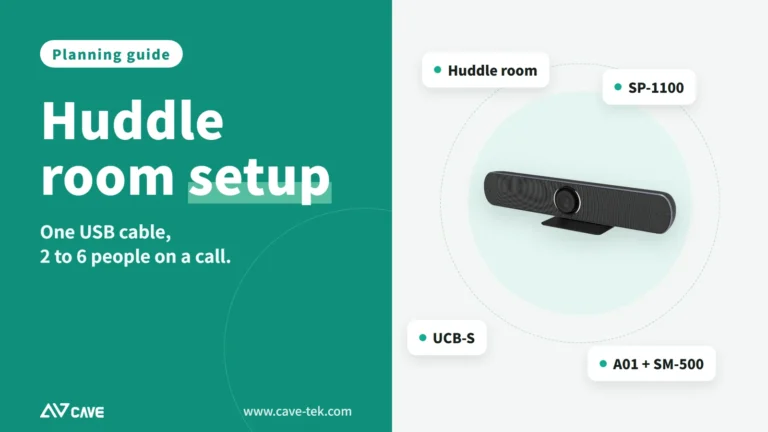
Huddle Room Setup: One USB Cable, 2 to 6 People on a Call
A huddle room is used all the time and looked after by no one. This guide compares the three simplest setups: the SP-1100 all-in-one, the J01i with an SM-500 (UCB-S), and UCB-S2 (an A01SE with an SM-500), and how to choose by headcount, room size and room to grow.
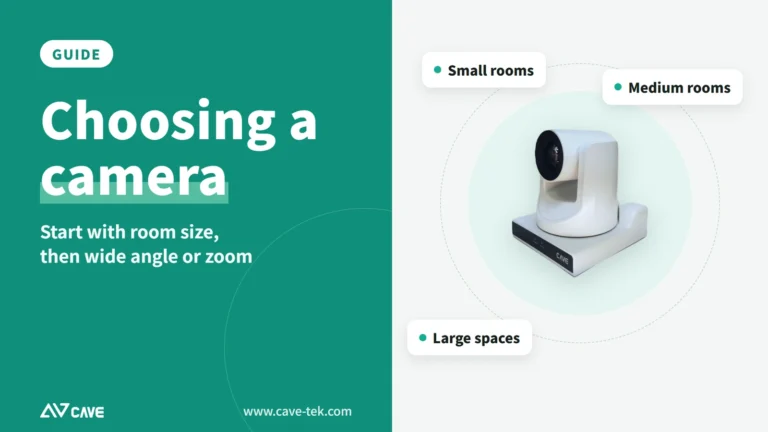
How to choose a meeting-room camera: 8 things to check, starting with room size
The camera is the most visible part of a video meeting. Whether remote people can see everyone, and see them clearly, depends on it. Work through these 8 points before you choose.
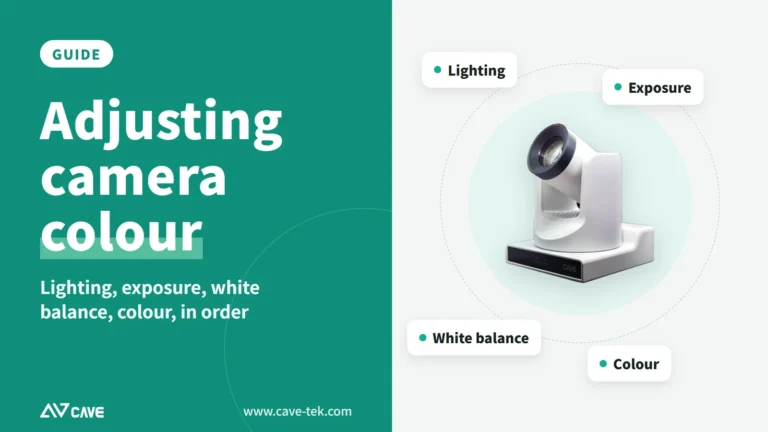
How to adjust colour on a PTZ camera: lighting, exposure, white balance and colour, in that order
The picture looks yellow or blue, faces are too bright or too dark, or two cameras don't match? Work through lighting, exposure, white balance and colour in that order and the picture comes right.